Printing a March calendar can feel routine, yet a single oversight—incorrect margins, wrong date alignment, or low‑resolution graphics—can render weeks of planning useless. Researchers who demand precision are especially vulnerable, because any misprint skews data logs, event tracking, and archival records. This guide pinpoints the most frequent errors and offers a step‑by‑step workflow to ensure the final product is error‑free.
Why March Deserves Extra Scrutiny
Unlike a generic yearly sheet, a March calendar must accommodate the transition from winter to spring, daylight‑saving adjustments, and often a mix of federal holidays and regional observances. In the United States, the shift to daylight‑saving time on the second Sunday can affect timestamped entries, while school districts may insert mid‑month breaks that differ from other months. Overlooking these nuances leads to mismatched meeting invites and confused stakeholders.
Frequent Slip‑ups That Slip Past First Glances
- Incorrect date sequencing. A missing or duplicated day throws off project timelines.
- Margin and bleed errors. Without proper bleed, edge‑to‑edge designs get trimmed, obscuring critical information.
- Low‑resolution images. Logos or icons that appear crisp on screen can turn pixelated on paper.
- Font inconsistencies. Switching between serif and sans‑serif unintentionally can undermine readability.
- Color‑profile mismatches. CMYK vs. RGB discrepancies cause printed colors to look dull or oversaturated.
Step‑by‑step Checklist to Keep Errors at Bay
- Confirm the calendar template matches the intended size (e.g., 8.5×11 inches) and includes a 0.125‑inch bleed.
- Cross‑reference all dates with an authoritative source—official government calendar or institutional schedule.
- Run a high‑resolution (300 dpi or higher) export for any graphics; replace any below‑threshold images.
- Apply a consistent font family across headings, weekdays, and notes; lock the style in the document’s master page.
- Set the color mode to CMYK, then preview a soft‑proof to spot any glaring hue shifts.
- Print a single test sheet on the final paper stock; verify alignment, legibility, and bleed before the full run.

Digital Tools That Flag Problems Early
Design platforms such as Adobe InDesign and Affinity Publisher now include built‑in preflight checks that automatically flag missing bleed, low‑resolution assets, and mismatched fonts. For researchers accustomed to spreadsheet validation, the “Data Merge” feature in InDesign can import a CSV of holidays and special events, guaranteeing date accuracy without manual entry.
When a Mistake Still Happens
If a print run reveals a mistake—say a duplicated March 15—the quickest remedy is to reorder a short batch with corrected files rather than reprinting the entire stock. Communicate the correction via email or an internal portal, attaching a PDF of the revised page. Maintaining a version‑controlled archive of calendar files prevents future confusion and provides a clear audit trail.
Bottom Line for Detail‑Oriented Researchers
By treating the March calendar as a data‑driven artifact rather than a decorative add‑on, you eliminate the most common pitfalls before they become costly reprints. Follow the checklist, leverage preflight tools, and keep a disciplined version history; the result is a reliable, professional calendar that supports every research deadline in the month of March.
Assessment Strategies Stock Vector Images - Alamy
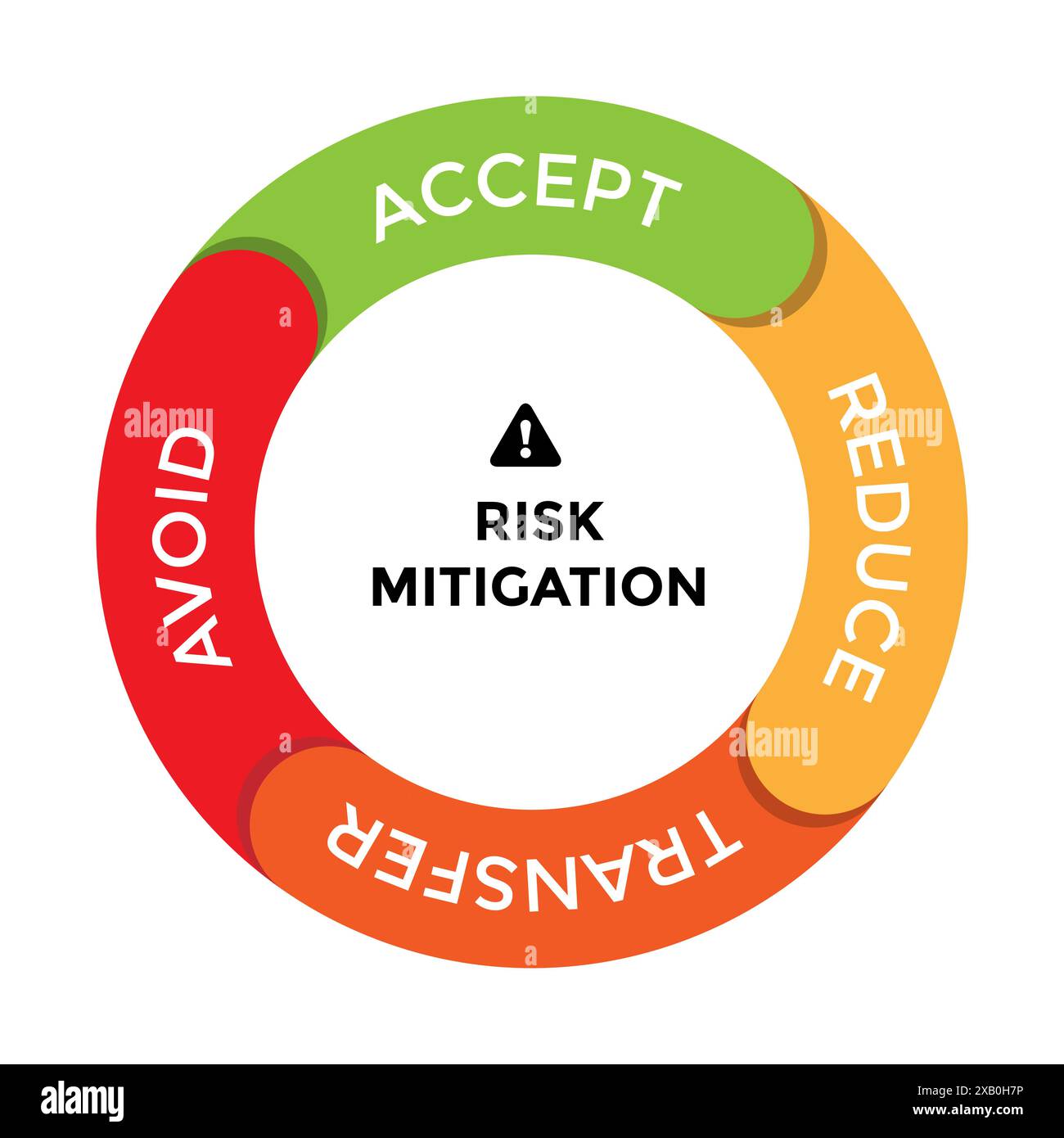
Assessment strategies Stock Vector Images - Alamy
Avoid Bad Habits Banner With Man Shop Stop Gesture

Avoid bad habits banner with man shop stop gesture
Avoid Verb Forms – Past Tense Of Avoid Past Participle & V1 V2 V3 V4
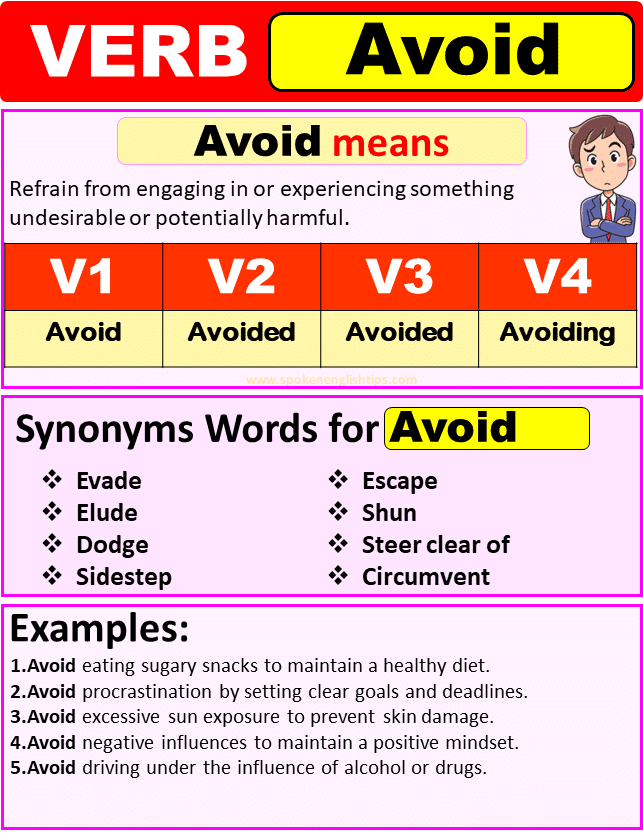
Avoid Verb Forms – Past Tense Of Avoid Past Participle & V1 V2 V3 V4
Avoid Contact Icon Vector Flat 26606955 Vector Art At Vecteezy

Avoid contact icon vector flat 26606955 Vector Art at Vecteezy